Practical AI for Marketing Teams: Real Use Cases You Can Apply Today
Updated Oct 01, 2026
Higher ed marketing teams are being asked to do more with the same headcount, the same budget, and the same hours in the day. AI is one of the most practical tools available for closing that gap. Here's how one team is using it right now, as shared at Engage Summit 2026.
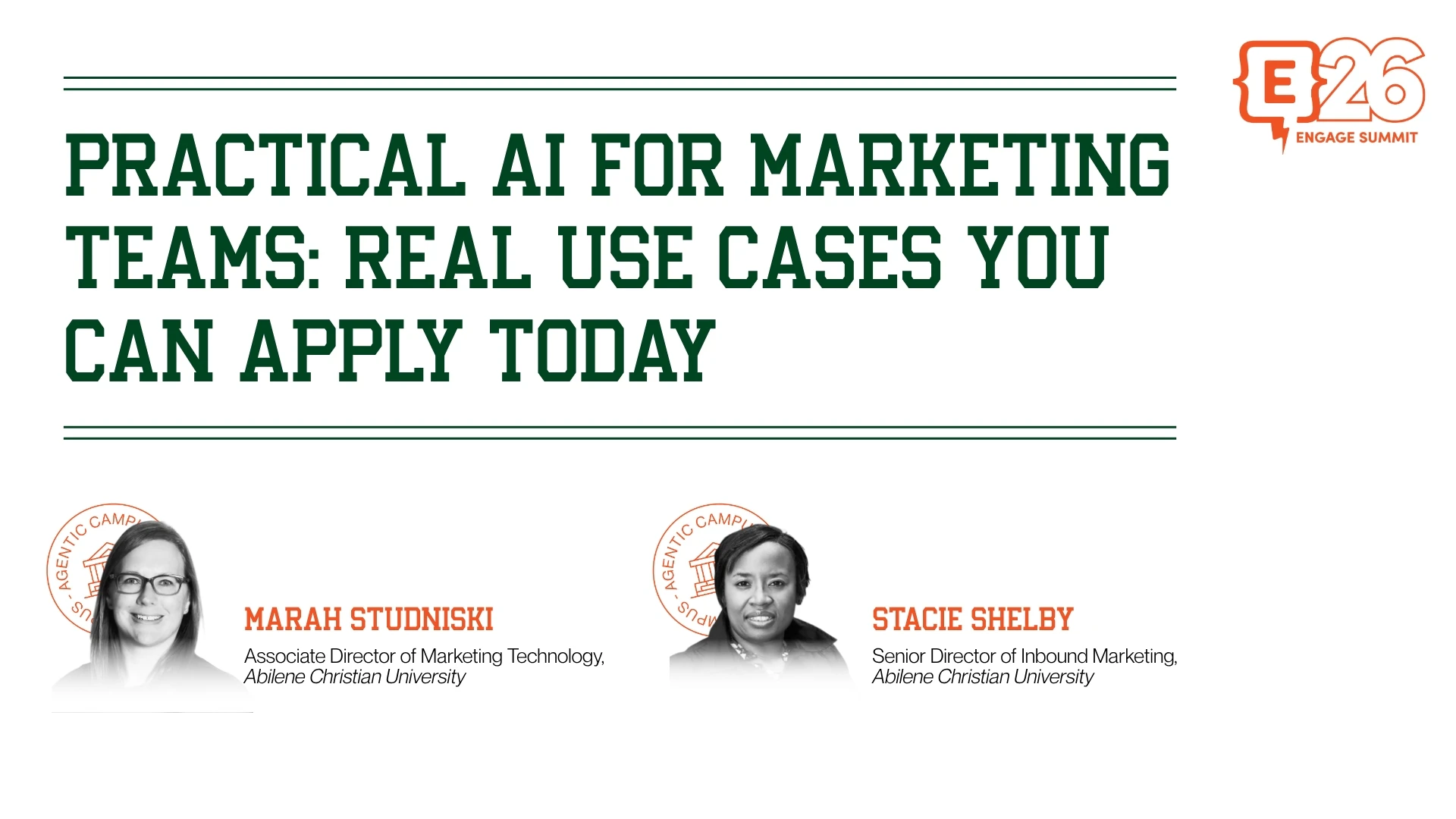
When Stacy Shelby and Mara Stadniski from Abilene Christian University took the stage at Engage Summit 2026, they didn't come with a vision talk. They came with prompts, results, and a fictional team member named Chad.
Chad is ACU's nickname for their AI assistant. He never takes PTO. He never misses deadlines. And he never complains about revisions. The name stuck after a team member kept accidentally saying "Chad" while using voice prompts. At this point, he's practically on the org chart.
The session was built around one goal: show marketing teams exactly how AI can take repetitive, time-consuming work off their plates today. No theory. No roadmap. Just practical use cases, real prompts, and honest advice on how to get good results.
The full session is available on-demand as part of Engage Digital Summit 2026, alongside 50+ additional sessions at element451.com/engage-digital-2026.
Start With the Right Mindset
Before getting into the use cases, Stacy and Mara were clear about how to think about AI in a marketing workflow. It's not a vending machine. You don't put a prompt in and get a finished product out.
The teams that get the best results treat AI as a collaborator. You give it context, review what it produces, push back on what isn't working, and iterate. The prompts ACU shared throughout the session reflect that: specific, detailed, and written with a clear outcome in mind. The more context you give, the closer the first draft lands.
That mindset also shapes how they handle brand consistency. Rather than re-explaining colors, tone, and logo placement every time, they've trained their AI assistant on ACU's brand guidelines over time. Now when they start a new project, the system already knows what ACU looks like.
Six Use Cases That Actually Work
ACU walked through six specific scenarios where AI saved meaningful time. Here's what they covered and how they did it.
1. Bulk Email Audit
ACU needed to update 1,700+ email templates when switching to a new student application. Manually reviewing each email for old links and references would have taken an estimated 40+ hours.
Instead, they exported all their HTML files, zipped them up, and attached them to a single prompt asking their AI assistant to scan for specific words and links and output an Excel spreadsheet flagging each one. The result: a color-coded spreadsheet the team could share and act on, in under 10 minutes. They went from potentially opening 1,700 emails to opening 300.
The prompt: "Please review the attached HTML for the words application, apply, or old app links. Provide an Excel spreadsheet that includes the names of the emails with a column for each word. Identify if you found the word with yes or no."
2. Webinar Landing Page and Email Build
An internal team came to marketing needing promotional materials for a webinar series. Without AI, that meant hiring an agency, since ACU doesn't have a coder on staff. With AI, they built a branded landing page and email template in-house, iterating through revisions in real time until both matched ACU's visual standards.
The key move: giving the tool a URL to pull styling from rather than describing the brand from scratch.
3. QA Checklist Tool
When a new team member joined, ACU needed a standardized way to QA emails before they went out. They gave their AI assistant their existing checklist and asked it to build a tool they could open from a browser or desktop, track multiple emails at once, and share across the team.
What came back: an HTML file with a progress tracker for each email, exportable and resettable for monthly sends. Seventy checklist steps, organized by category, with a progress bar for each email in review.
4. Multi-Channel Campaign Planning
When ACU's student success department needed to communicate the retirement of one platform and the launch of a replacement, marketing was asked to build out a full campaign. One prompt asking for drip emails, text messages, newsletter content, social posts, and a stakeholder journey map came back with all of it, including bonus suggestions the team hadn't asked for, like an FAQ page with anticipated student questions.
5. Competitive Research
The academic division asked marketing to research competitor programs for a potential new degree launch. ACU provided a list of competitor institutions and their websites and asked for a structured spreadsheet covering program names, concentrations, format, length, and tuition. Research that would have taken hours of manual browsing came back in minutes, organized and formatted.
One important note from the team: always verify. AI can be wrong, and these results are a starting point, not a final source.
6. Email Performance Analysis
ACU exports campaign metric reports as CSVs and feeds them into their AI assistant alongside a prompt asking for common themes, top performers, send time patterns, and improvement opportunities. Analysis that previously required hours of manual comparison now takes minutes, with actionable output the team can take directly into their next campaign planning conversation.
Using It Responsibly
Stacy and Mara were direct about where the guardrails are.
The non-negotiable: no personally identifiable information goes into any AI tool. Full stop.
Beyond that, their approach to responsible use comes down to four practices. Always verify important information before acting on it. Treat AI as a collaborator, not an authority. Be detailed in your prompts, including your audience, goal, platform, constraints, and any brand context. And keep a human in the loop on anything going out to students or the public.
On the question of copyright, ACU's position is largely common sense. Generated graphics aren't someone else's work. Email content gets reviewed and revised before it goes anywhere. And for anything requiring a formal copyright holder, they have one on staff.
For team consistency, ACU built a brand voice hub inside their AI tool of choice that houses their brand guidelines, approved vocabulary, and banned phrases. Any team member starting a new project opens there first. No re-explaining the brand from scratch, no inconsistent output across team members.
Tips Worth Taking Back to Your Team
A few practical notes from the session that didn't fit neatly into a single use case:
Reuse your sessions. Starting from scratch every time means re-explaining your brand, your platform, and your preferences repeatedly. Save sessions you use frequently and pick up where you left off.
Upload examples, not just descriptions. Telling AI what you want gets you a generic result. Showing it an email you like, a page you want to match, or a spreadsheet format you want replicated gets you something you can actually use.
Use it to clean import files. Need to split a name column into first and last? Need to reformat data before an upload? Ask your AI assistant for the formula. Faster than searching the internet, and it gives you exactly what your platform needs.
Pull text from images. If a colleague sends a screenshot with links, error codes, or data you need to work with, AI can extract the text and reformat it. No manual typing required.
Check what your institution already has access to. If your campus runs on Google or Microsoft 365, you may already have access to a paid AI tool through your existing license. Worth checking before adding another subscription.
Watch the Full Session
This session is available on-demand as part of Engage Digital Summit 2026. Watch it alongside 50+ additional sessions at element451.com/engage-digital-2026.
About Element451
Element451 is the AI platform that moves every student forward. Element AI CRM and the Bolt Agent Platform take action across the student journey, from prospect to success. More than 400 institutions use Element451 to drive better enrollment and student outcomes.
Categories
New Blog Posts


The Definitive Guide
AI in Higher Education
Bridge the gap between the latest tech advancements and your institution's success.

Talk With Us
Element451 is an AI-driven CRM and AI agent platform for higher education. Our friendly experts are here to help you explore how Element451 can improve outcomes for your school and students.
Get a Demo